
Face Swap
Photos
Put a different face in the shot.
Bring the face you want and the photo you want it in. Framing, lighting and expression stay exactly as you shot them.
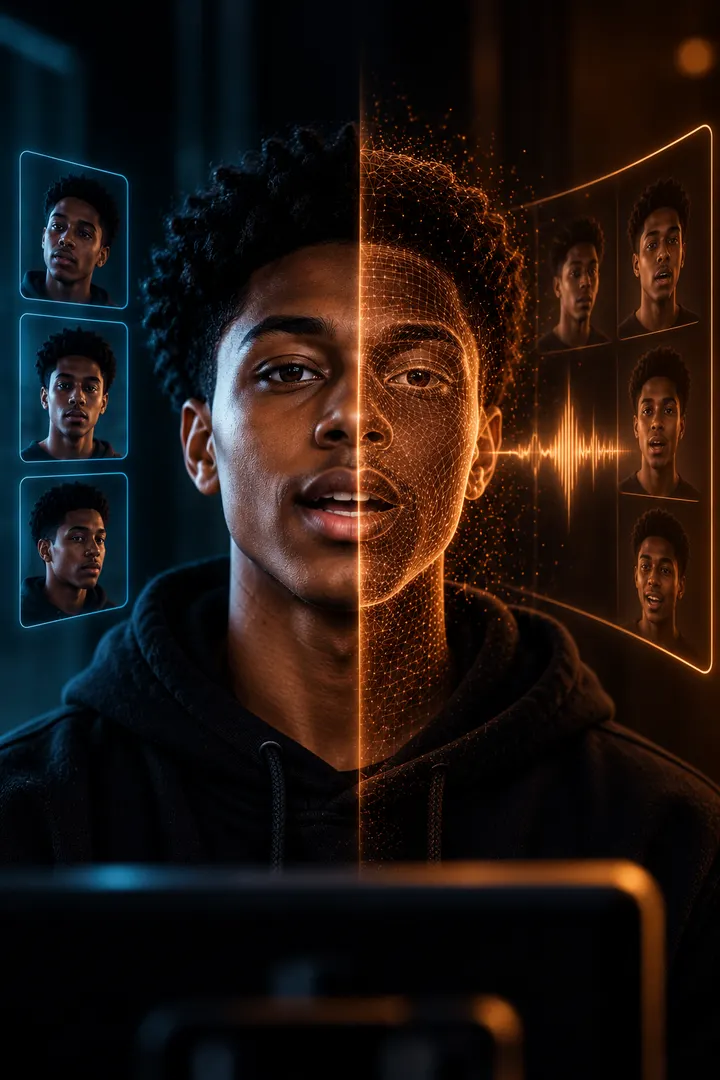 SourceRecast
Face · Voice · Motion
Swap the face in a photo or video, give footage a new voice, or turn a single portrait into a presenter reading your script. All in the browser.
50 free credits · no card · nothing to install
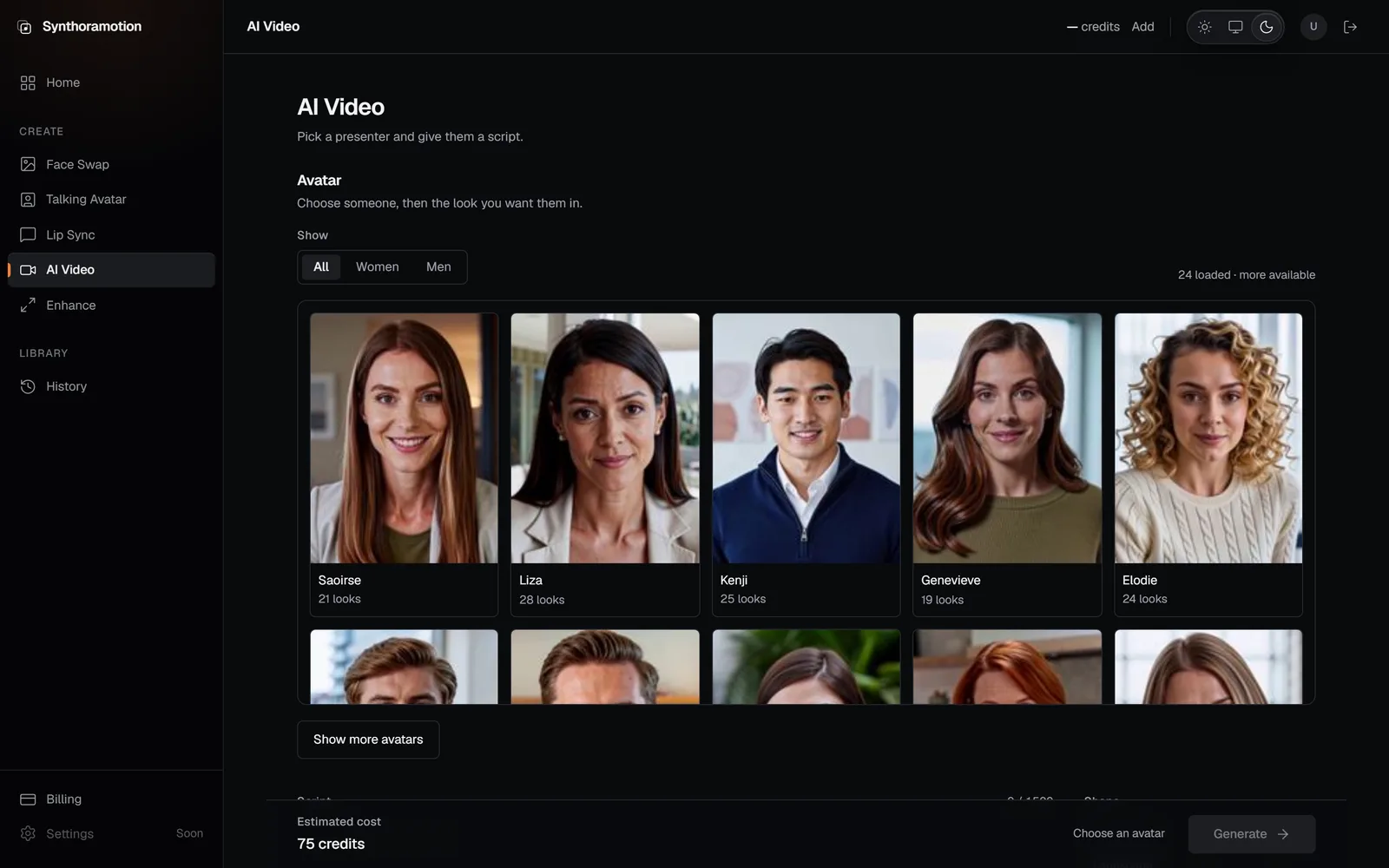 Live product
What it does
Every tool works on media you bring. Nothing here invents a scene from nothing — it changes what is already in the frame, and the original file is never touched.
Face Swap
Put a different face in the shot.
Bring the face you want and the photo you want it in. Framing, lighting and expression stay exactly as you shot them.
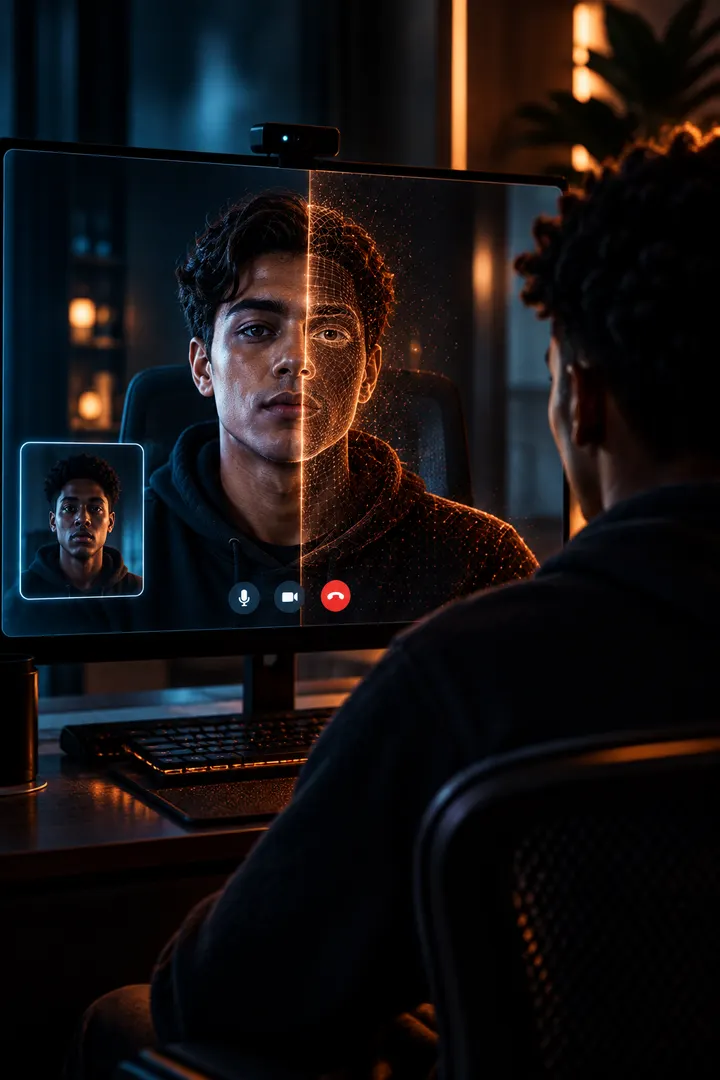
Face Swap
The same performance, someone else in it.
Up to fifteen seconds of footage, priced by its measured length. The take you directed is the take you keep.
Talking Avatar
Make a still portrait speak.
Upload one photo, write what they should say, and cast a voice by listening to it rather than reading a name.
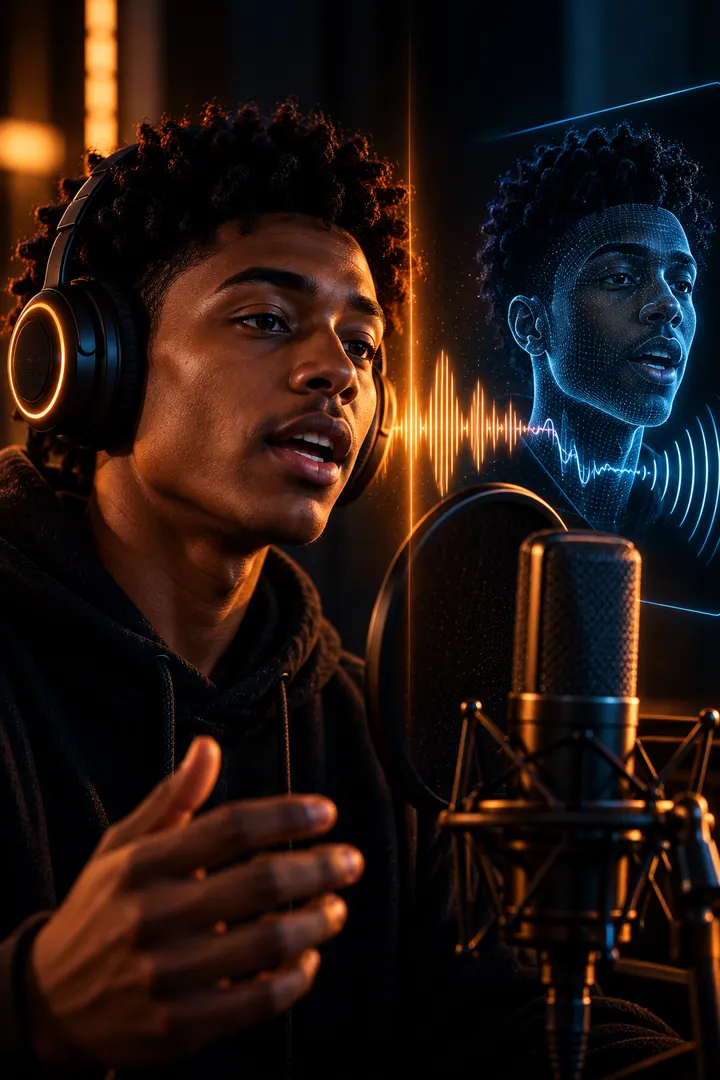
Lip Sync
Change what a clip says.
Put a fresh recording onto a clip you already have and let the mouth follow it. For a re-record, another language, or a line that changed.

AI Video
Someone to deliver it, on demand.
Choose a presenter and the look you want them in, write the script, cast the voice. No camera, no studio, no talent to book.

Enhance
Get more out of what you already shot.
Upscale two or four times and recover detail the original was too small to hold. The output size is shown before you spend a credit.
How a job runs
Nothing is queued on your machine and nothing has to stay open. Start a job, close the tab, come back to it in your history.

Pricing
All paid plans include the whole Synthoramotion studio. Choose how much you want to create each month — unused credits roll over and never expire.
For heavy months and client work.
$75/mo
7,000 credits every month/mo
Every paid plan is the same studio. Face Swap, Talking Avatar, Lip Sync, AI Video and Enhance are included on all three — no tool is held back for a higher tier. The only difference is how many credits you get each month.
New accounts start with 50 free credits, no card required.
Your work
Results are served from our own storage
Finished files are copied into private application storage and delivered through short-lived links tied to your account. We never hand you a link to the machine that rendered it.
Your history is yours
Every generation is recorded against your account, with what it cost and what it produced, and stays available from the History screen.
Credits come back when a job fails
Credits are reserved when you start and only settled when work completes. A failed or timed-out generation releases the reservation back to your balance.
You confirm the rights
You are asked to confirm you have the right to use the media you upload. Uploading someone else without their agreement is not something this product is for.
Sign up, bring a file, and see what comes back.